Seriously. One day I was ironing a tablecloth and rolling it around a mailing tube so it would arrive at a tradeshow without wrinkles; later the same day I was redesigning my company’s website. It’s difficult to remember what I got done on a given day; it’s even harder to clock the relationship of each task to a project or a strategic effort.
It starts with a list
Write a note at the end of every day.
Just write a bulleted list that captures everything you worked on that day, as simply and concisely as possible. Some sample items would be: “Revised ABC Case Study and shared with sales team for feedback” or “Packed for [blah-blah] event.” You’re not using these notes to capture every detail, you’re really just tracking your time.
Where to put these notes?
Don’t create a totally new system to store these notes. The best system is one you’re already using, from low-tech (Post-It notes stuck on the wall or impaled on a receipt spike) to high-tech (Microsoft something or other …)
Using Kanban
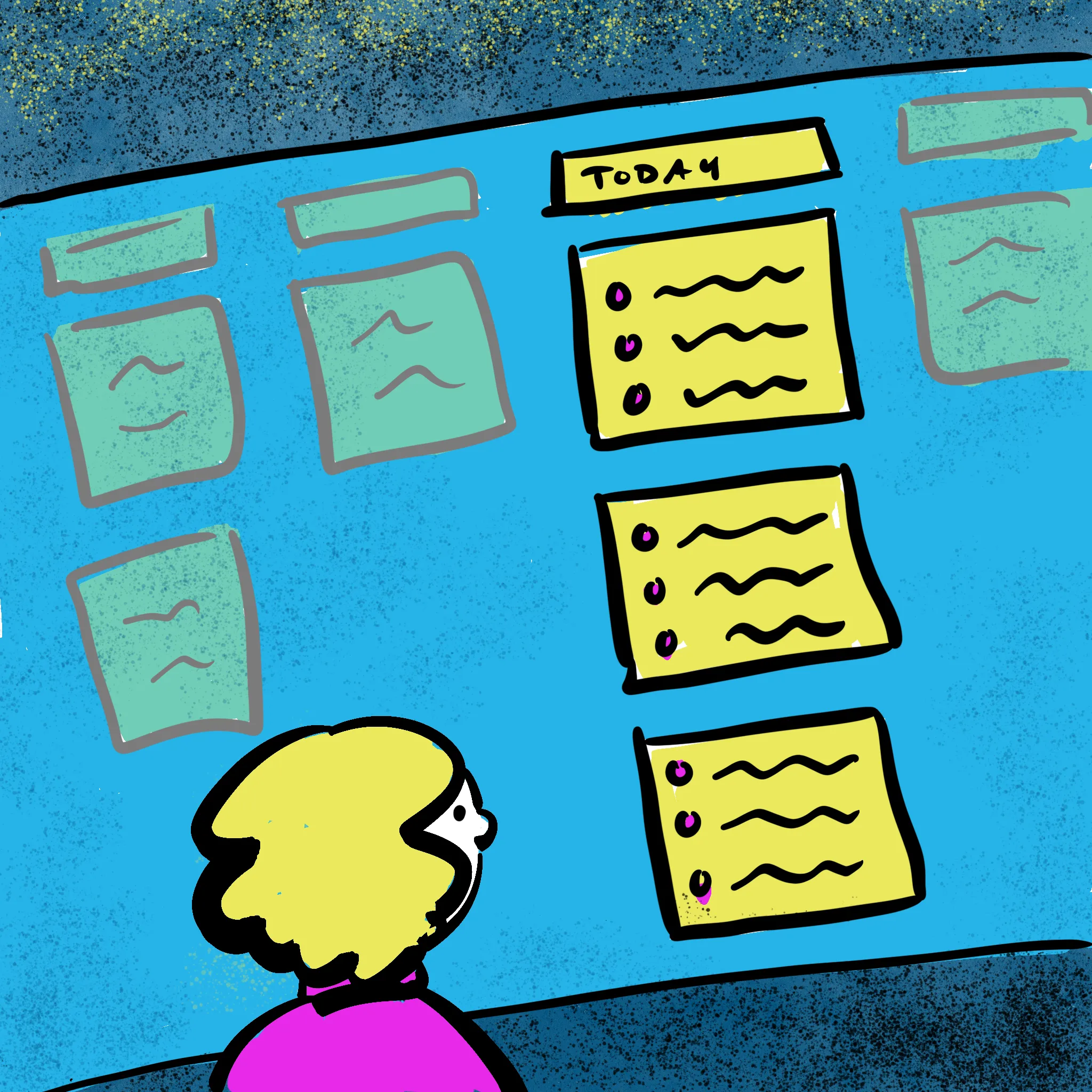
If you’re using a Kanban tool or a tool with Kanban features (Trello, Jira, Monday.com, ClickUp, or any of the free online Kanban tools), storing your notes is simple. Take any existing board you’re using (obviously choose one that you have permission to edit) and create a column called something like “Daily Notes.” Mine is called “Today I …”
At the end of every day, create a ticket headed with that day’s date. Put your notes into that day. I simply list my accomplishments, but you can list meetings, blockers, agreements, whatever you want.
Now, anytime you’re wondering what you were doing on a given day, it’s all in one place and integrated with your project system.
The AI Layer
ClickUp has a built-in AI tool called “Brain.” At the end of the month I give Brain the following prompt:
The column “Today I” in this board has a ticket for each day. In the ticket, I’ve made notes of what I got done that day. Using the tickets with dates in [month], create an executive-level summary of my accomplishments in [month] that I can share with my boss. Don’t go into too much detail, but capture major areas of effort, focusing on real accomplishments.
It spits out a bulleted list of what I’ve been working on. I do have to edit it slightly, but it’s generally quite accurate and (bonus!) casts my accomplishments in a favorable light.
I imagine this would also work if, say, you created a standing 4 pm appointment with yourself in Outlook and used that to make your notes. Then you could start your Copilot prompt with something like:
I have a 4pm meeting titled ‘Today’s Accomplishments’ every day. In that meeting, I’ve made notes of what I got done that day …
Cautions
- The quality of your list will depend partly on the accuracy and quality of your notes and partly on how good the AI model is and how well it’s been integrated into your tool. I find ClickUp’s Brain quite good so far.
- If you’re using an AI tool that’s owned by your company, be cautious about what information you put into it. I maintain my own personal ClickUp account because it would be embarrassing if my boss saw me using AI to make myself sound like a badass.
- Conversely, if you’re using your own AI tool, make sure that any company-related information you’re sharing with the AI is allowable under your company’s AI policies.
