Once upon a time, I emailed a co-worker asking for help. A few days later, nothing had been done. When I asked “what’s up,” the co-worker replied:
“Our department uses a ticketing system. The way to request help is to go to [long address on the company intranet] and file a ticket using [software system I was unfamiliar with.]“
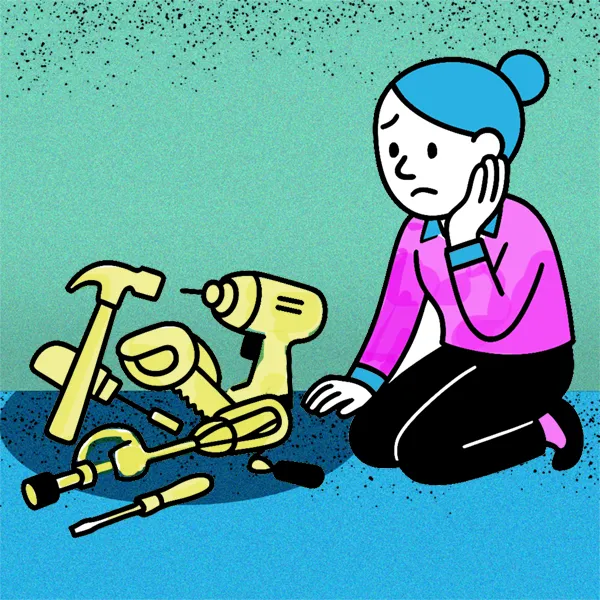
“Tool fatigue” is real: a department head discovers a way to improve how their department works, and suddenly the whole company is required to use it to communicate with that team. Or a vendor requires you to send files using Tailwind or Dropbox or some file-sharing system you’ve never heard of. Suddenly you feel as if you’re spending your entire day learning the tools. It’s like trying to assemble a new vacuum cleaner and never getting the floor clean.
If you’re in the position of setting up a tool for your group (or the whole company) to use, here are three questions to ask yourself first.
1. Will one person on your team “own” the tool?
Or will everyone need to become a power user? Will everyone have the same permissions?
For example, Microsoft Teams allows you to create ‘channels’ with files and team chats; chats; Wiki’s, etc. Your Teams structure can quickly become chaotic if too many people can administer it; and features that might seem good to one person might never be used by others.
Instead of requiring every team member to be familiar with all the features of each new tool, why not assign one or two owners? They can be responsible for managing the tool, curating content, and helping group members use it effectively.
2. Whose life are you trying to make easier?
A productivity tool may make your team’s life easier. However, your company’s goals are probably not “Make Team X’s life easier.” It’s in the gaps between teams that most mistakes are made. Instead of requiring other teams to participate in your productivity tool, following these three principles can help:
- Be open to communication from outside your teams via any channel.
- Your team takes the responsibility of managing the use of their own productivity tools, tracking software, etc.
- If you have to remind people outside your team of your new procedures, give them extra guidance. “You need to file a ticket in Jira. Here’s the link [add the full link], and let me know if you need your login reset or you need a refresher.” Don’t assume that people who aren’t daily users of your system remember how to get to it.” You can even embed this information in an alternate email signature for your team to use in internal communications.
Even if your team at first perceives this as “extra work,” it should quickly become apparent to them that the extra guidance is cutting down on friction between teams.
Which is more important, measurement or before performance?
It’s important to measure your team’s performance, but not if it interferes with them getting their job done. For example, an IT manager who measures employee performance only by the number of requests they complete will cause the following problems for the organization:
- Difficult or time-consuming projects are tackled last, because they’ll only rack up one “ticket”
- The organization engage in a lot of busy-work filing tickets for tiny requests
- Morale will suffer as your team struggles to “make the numbers,” which do not really measure whether the team is helping the organization succeed.
Writing a purpose statement for the tool is a way to prevent this catastrophe. For example: “Our ticketing system will enable us to collect the right feedback about each user request, triage the requests so they’re completed in the order that serves our company’s goals, and track them so that we can refer to previous solutions.” If “measure employee performance” isn’t part of the purpose statement, this should be made clear to employees and should be adhered to.
Similarly, marketers can get overly caught up in analyzing and reporting on their performance at the expense of actually … performing. When setting up measurement metrics, ask yourself a few questions:
- What questions do I want my data to answer?
- What will I do differently based on the answers to these questions?
You can gather all the data you want, but only report on the data that helps you make important decisions.
In the end, it all comes down to using your tools wisely — before they start using you.
